
Radio encoder
StreamSmith — the stream encoder for internet radio
Go on air with Icecast, Shoutcast, Mixcloud Live, YouTube, Twitch or any other RTMP server, from one small Windows program. Free to use. Pro when you want more.
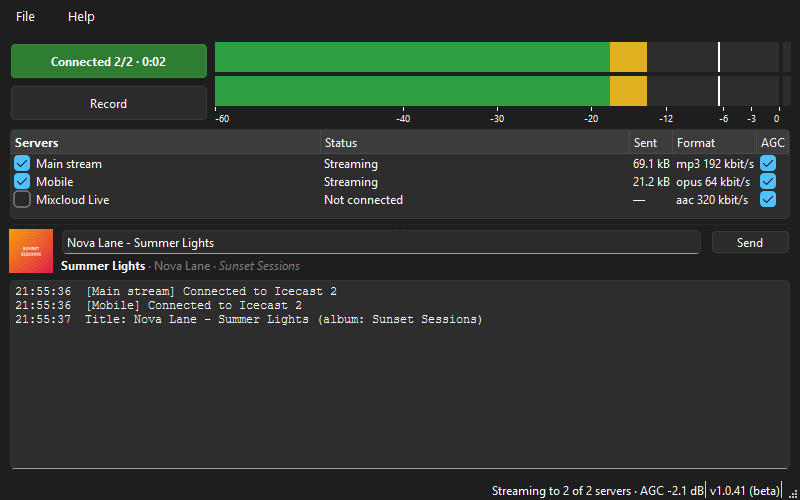
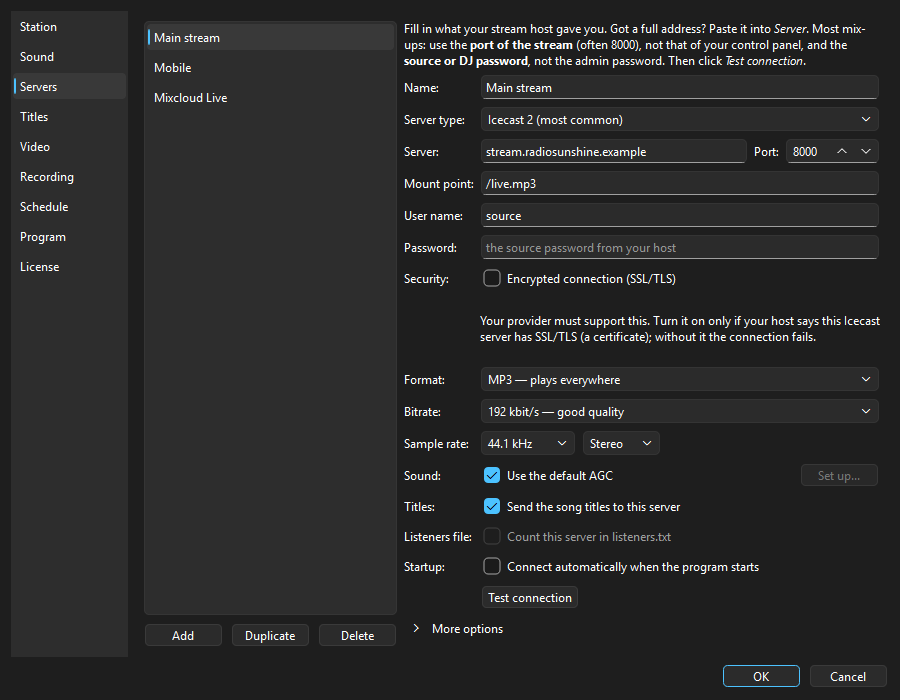
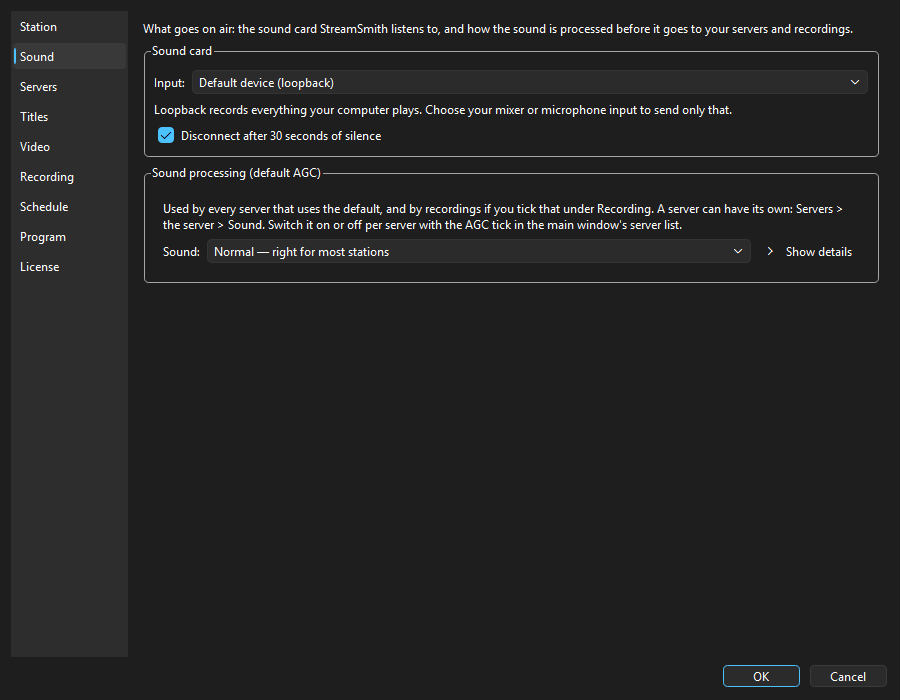
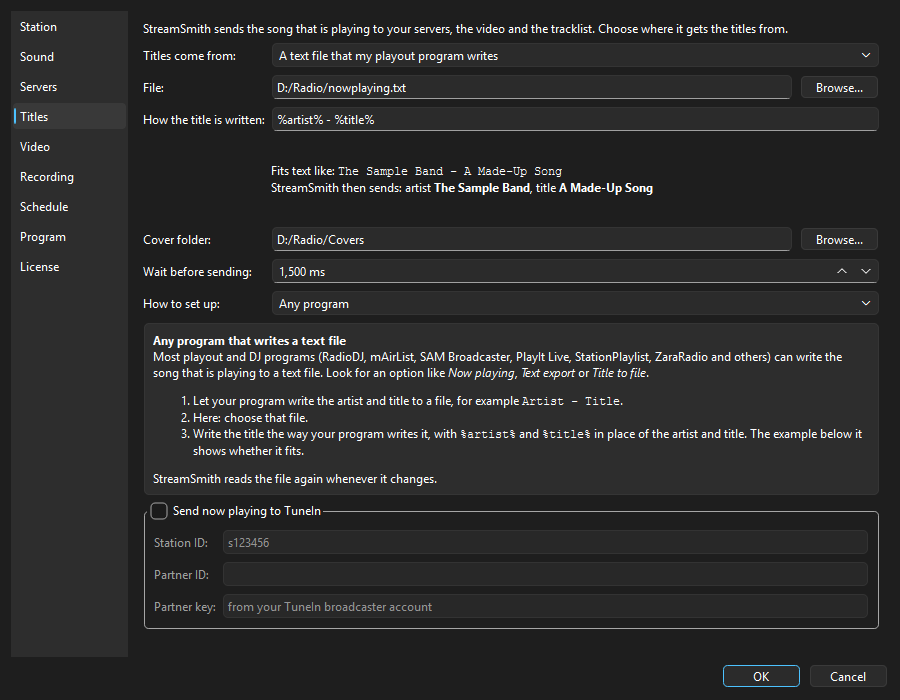
Lightweight. A small native Windows program: it only runs when you use it, with no browser and no background service, and it keeps memory and CPU use low.
Free vs Pro
| Feature | Free | Pro |
|---|---|---|
| Stream to Icecast and Shoutcast (MP3, Opus, Vorbis), also over an encrypted connection (SSL/TLS) | ✓ | ✓ |
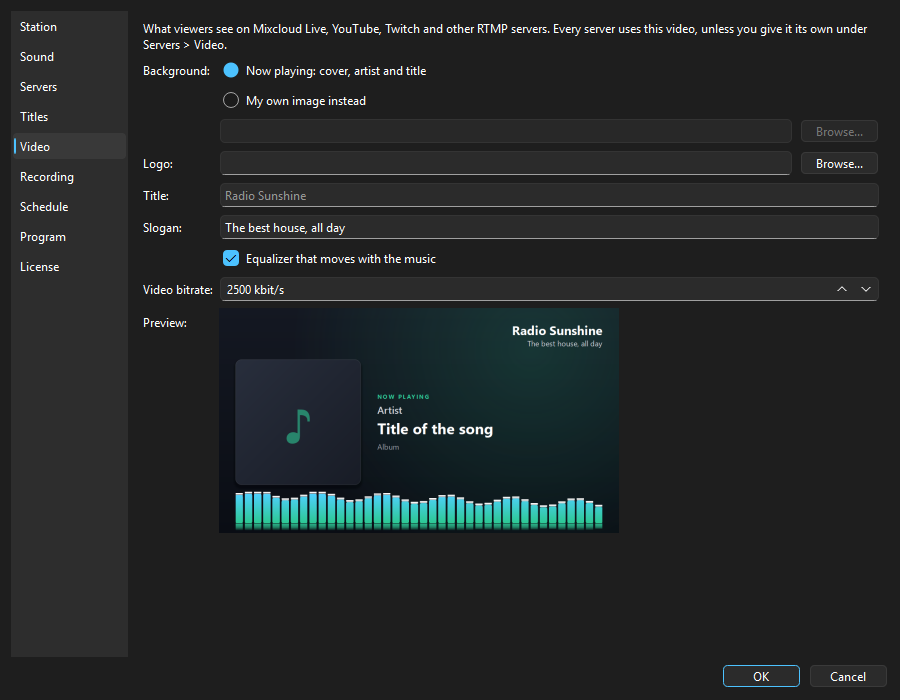
| Stream to Mixcloud Live, YouTube Live, Twitch and other RTMP servers, with video | ✓ | ✓ |
| Your own clean video on Mixcloud Live, YouTube and Twitch, without the StreamSmith logo | – | ✓ |
| Up to 2 servers at once, each with its own format and bitrate | ✓ | ✓ |
| Reach more listeners: stream to more than 2 servers at the same time | – | ✓ |
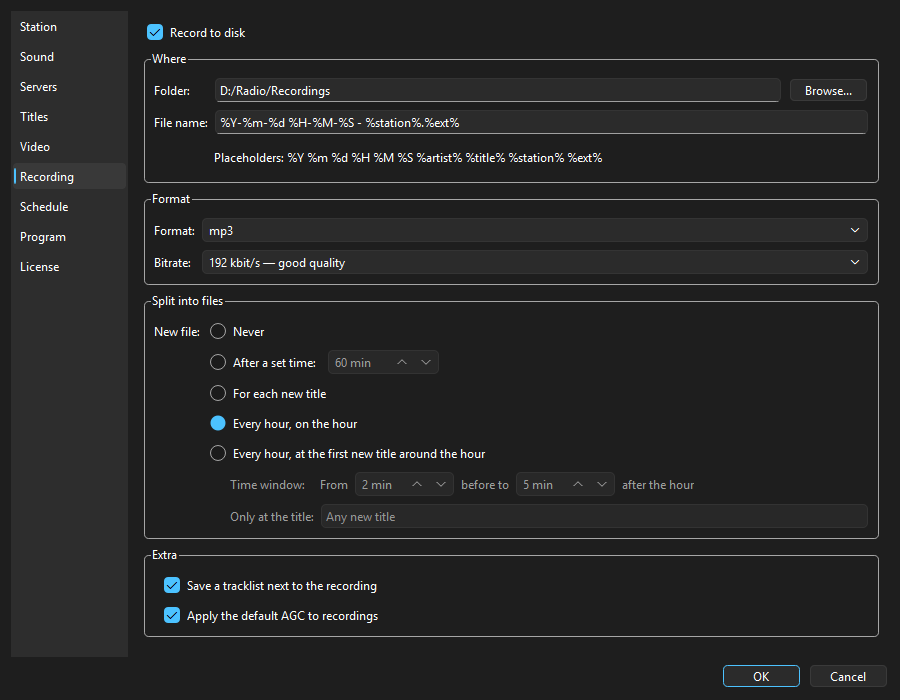
| Record your show (MP3, Opus, Vorbis, FLAC), split after a set time | ✓ | ✓ |
| Split recordings automatically: a new file for each new title, or every hour (for example when your news plays) | – | ✓ |
| Sound processing (AGC and a multiband compressor) with presets, also per server | ✓ | ✓ |
| Song titles from a file, a media player, your playout program or over the network (TCP) | ✓ | ✓ |
| Listeners see the album cover of the song that is playing (Shoutcast 2) | – | ✓ |
| Listener counts for Icecast and Shoutcast | ✓ | ✓ |
| The number of listeners in a listeners.txt file, for your website or another program | ✓ | ✓ |
| Global hotkeys and starting with Windows | ✓ | ✓ |
| Take over your settings from butt, Rocket Broadcaster, OBS, Mixxx, Edcast, Oddcast and AltaCast | ✓ | ✓ |
| Your shows go on air and are recorded by themselves at the times you set, also when you are not there | – | ✓ |
| Listeners on TuneIn see what is playing right now; TuneIn adds the cover from the artist, title and album | – | ✓ |
| Know right away when your stream goes silent: a warning in the log and a tray message | – | ✓ |
| See how many people listened to each show, with a graph and a CSV export | – | ✓ |
StreamSmith Pro. A one-time purchase of €14.99 during the Black Friday offer; €19.99 after 1 December 2026. You get every Pro feature that already exists, plus 12 months of updates. After that year you can keep using the version you have. Only Pro features released after your updates run out need an update licence of €9.99 a year. No VAT is charged: EDSoft applies the Dutch small-business scheme (KOR).
Windows warned you? See the FAQ.
Verify your download: streamsmith-1.0.49-setup.exe – 66314792 bytes, SHA-256 d4fddc7cf07457f44ebe4515cba76ec1f58e48ae87f5a2dc95754eb3f8cb30b5. How to check this.
Buying Pro happens inside StreamSmith: Settings > License > Upgrade to Pro. Try every Pro feature free for 30 days first, without payment details.
What’s new
Only what you notice. The short list per version — a bug is named only when it really broke something.
1.0.49 — 13 November 2026
- After an update, StreamSmith shows a short list of what changed.
- More information in the update window opens the product page instead of starting the installer.
1.0.48 — 29 October 2026
- One cover per album is enough: subfolders and RadioDJ’s Images folder are searched too.
- Updating no longer ends in a stack of dialogs.
- The Cover folder setting now also works when the title comes from a now-playing file.